You’ve got a Blooket game code, your classmates are already playing, and the game isn’t opening on your screen. Maybe you’ve entered the wrong address, or the code isn’t working. A small problem can make you miss the start of the game.
The good news is that joining Blooket is usually simple once you know which page to open and what information you need.
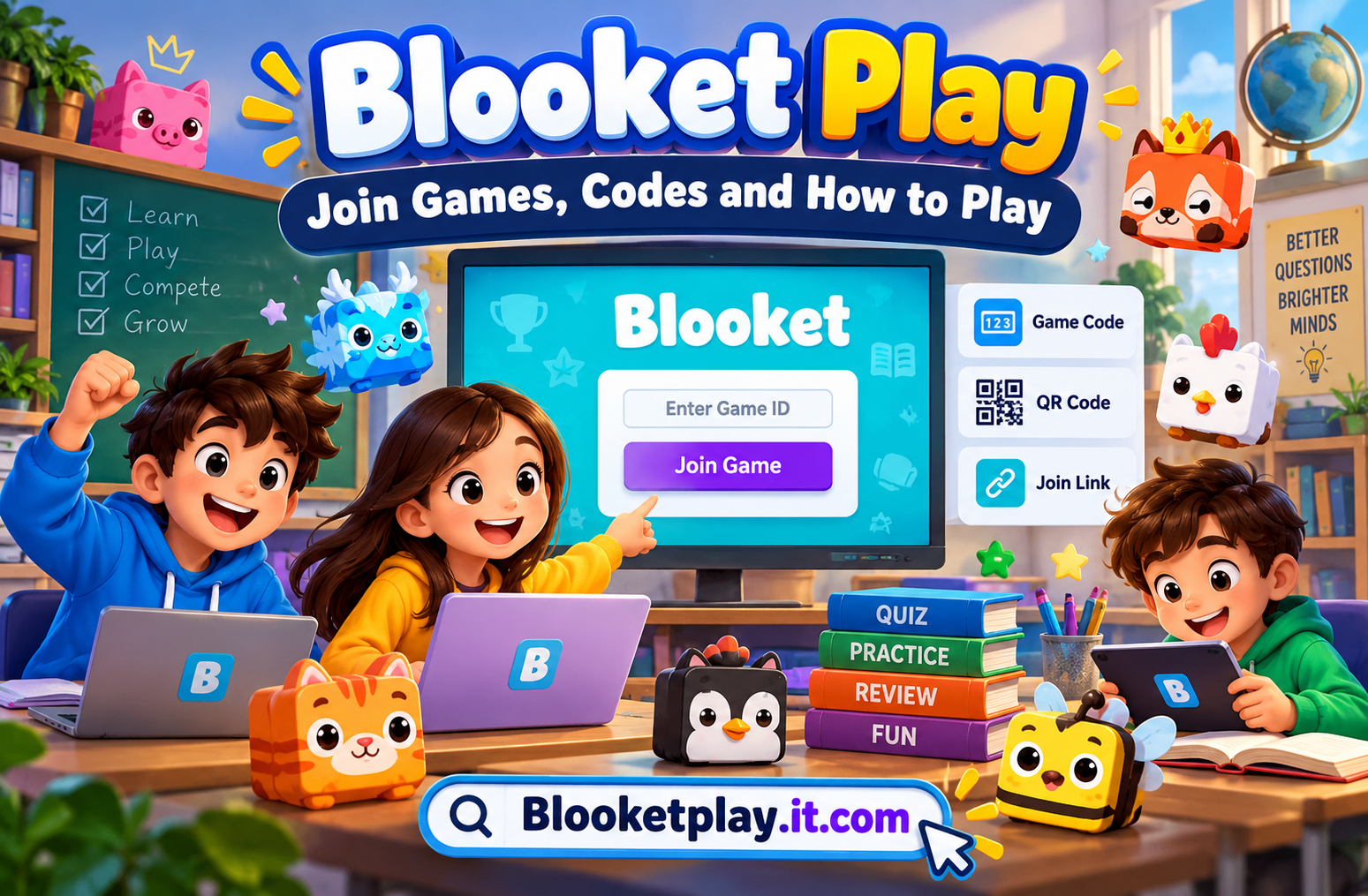
Blooket Play is the official page for joining live Blooket games. Visit play.blooket.com/play, enter the game ID provided by your teacher or host, and follow the on-screen instructions. You can usually join a live game without creating a Blooket account. You can also enter through a shared join link or scan a QR code.
What Is Blooket Play?
Blooket Play is the game-joining section of Blooket. The platform turns question sets into interactive games that teachers can use for classroom reviews and students can use to practise what they’ve learned.
Instead of answering questions on a plain worksheet, players respond to questions while playing a selected game mode. Depending on the mode, the experience might involve racing, collecting rewards, building a virtual business, or competing against other players.
The official website is Blooket.com, while the direct joining page is play.blooket.com/play. If someone shares a game code with you, the direct joining page is generally the quickest place to start.
How to Join a Blooket Game With a Code

Joining a live game takes only a few steps when you have a valid code and the host is ready.
- Open the official page. Visit play.blooket.com/play in your browser.
- Enter your game ID. Type the code displayed or shared by the game host.
- Continue to the game. Select the join option shown on the screen and follow any prompts.
- Choose your player details. Enter a nickname or use a randomly generated name if that option is available.
- Select a Blook. Choose an available character if prompted.
- Wait for the host. Stay in the lobby until the host starts the game.
Blooket’s official student instructions confirm that live players can join through a game code, QR code, or shared link. An account is not required simply to join a standard live game.
Example: Suppose your teacher displays a game ID of 482731. You open the official joining page and enter that example code. If it isn’t connected to an active game, you won’t be able to join. In a real classroom, always use the actual code supplied by your teacher rather than an example number.
Can You Play Blooket Without an Account?
Yes, you can generally join a live Blooket game without signing up or logging in. You need the joining information from the host and must follow the instructions on the page.
This makes Blooket convenient for students who are joining a classroom activity on a school computer, tablet, or personal phone.
However, joining a live game is different from managing your own Blooket account. If you want to create question sets, save your work, or host games, you may need to sign in and use the relevant account features.
Age requirements also apply to account creation. Blooket’s official student guide states that users must be over 13 in the United States, or at least 16 outside the United States, to create an account. Check the current official requirements if you plan to register.
How to Join Blooket Using a QR Code or Link
You don’t always need to type a game code manually. Blooket supports alternative joining methods that can be easier when you’re using a mobile device.
Using a QR code: Open your device’s camera or QR scanner, scan the code displayed by the host, and follow the link. Confirm that it opens the official Blooket website before entering any information.
Using a join link: Select the link shared by your teacher. It should take you to the relevant joining page or game flow. Follow the on-screen instructions to enter the lobby.
These methods are particularly useful during online classes, where a teacher can share a link through a classroom platform or display a QR code for students to scan.
If a link or QR code doesn’t work, ask the host to share it again. A screenshot of an old code may not connect to the current session.
Which Blooket Game Modes Can You Play?
Blooket offers different game modes, and the experience changes depending on which one the host selects. Some modes are designed for live competition, while others support solo practice or homework.

| Game mode | What makes it different |
|---|---|
| Classic | A straightforward question-and-answer competition |
| Gold Quest | Players answer questions and encounter changing rewards |
| Racing | Correct answers help players compete in a race |
| Tower Defense | Players combine question answering with tower-building strategy |
| Café | Players answer questions while managing a virtual café |
| Battle Royale | Players compete in head-to-head or team-based challenges |
| Factory | Players answer questions as they work through a production-themed game |
Availability varies by mode, account plan, and whether you’re playing live or independently. Check the current game-mode screen for the options available to you.
For a quick classroom review, Classic may be easier to understand because the focus stays on answering questions. If your group prefers strategy, a mode such as Tower Defense may be a better fit.
How to Play Blooket and Improve Your Results
Playing well starts with understanding the questions rather than simply clicking as quickly as possible.
Read each question carefully before selecting an answer. Some modes reward speed, while others include strategy or changing in-game conditions. A rushed answer can cost you a point or an opportunity to progress.
Pay attention to the instructions for your selected mode. In Racing, your progress depends on answering questions correctly, while Tower Defense adds a strategic element to the activity.
If you’re using Blooket to prepare for a test, review the questions you answered incorrectly after the game. Write down unfamiliar terms, revisit the relevant lesson, and try another question set on the same topic.
A practical example: Imagine you’re revising fractions for a maths test. You join a Blooket game covering equivalent fractions and score poorly on questions involving denominators. Rather than repeating the same game immediately, review that concept first. Then try another round to check whether you understand it better.
For teachers, choosing a question set that matches the lesson matters just as much as selecting an entertaining mode. A game can keep students engaged, but questions that are too easy or unrelated to the lesson may offer little useful practice.
Blooket Play Not Working? Try These Fixes
If Blooket won’t let you join, identify the problem before repeatedly entering the same code.
1. Check the game code
Make sure you copied every digit correctly. If the code is rejected, ask the host to confirm that it is still valid and that the game is available.
2. Confirm that you’re using the official website
Open play.blooket.com/play directly. Avoid unfamiliar websites that claim to generate working game codes or provide access to private games.
3. Ask whether the game has started or ended
A code shared earlier may no longer work if the session has ended or the host has changed the game. Ask your teacher to check the active session and share updated joining information.
4. Refresh the page
Reload the official page and enter the code again. If the page still fails to load, check whether your internet connection works on another website.
5. Try another browser or device
If the page is stuck, try an updated browser or another device. School network restrictions, browser extensions, or temporary technical problems can sometimes interfere with websites.
6. Check for a wider service problem
If several students cannot join, the issue may not be your device. Ask the host whether others are experiencing the same problem, then consult Blooket’s official website or help centre for further guidance.
These are general troubleshooting steps, not a guarantee that every joining error will be fixed. If the problem continues, use Blooket’s official Help Centre for assistance.
Is Blooket Play Safe for Students?
Blooket is designed for educational games, but students should still follow sensible online safety practices.
Use the official website, follow your teacher’s instructions, and avoid sharing personal information in a nickname. If the host offers randomly generated names, that can be a useful option when you don’t need to identify yourself by your full name.
Never share your account password or other private details on a third-party joining website. A normal live game should not require you to enter your password on an unrelated site to access the session.
Teachers and parents should also consider the age requirements for account creation, the school’s technology policies, and how students use shared devices. The best approach is to treat Blooket as a classroom learning tool and keep participation focused on the activity.
Blooket Play vs. Solo Practice
Blooket supports live games as well as independent learning activities. The right choice depends on whether you want to compete with a group or practise at your own pace.
| Feature | Live Blooket game | Solo practice |
|---|---|---|
| How you start | Use the host’s game code, QR code, or link | Find a question set and choose an available solo mode |
| Other players | Participate with a group | Work independently |
| Timing | Depends on the host and game settings | More flexible |
| Best use | Classroom reviews and group activities | Revising topics and practising individually |
Blooket’s official student guide explains how to find a question set, select Solo, choose a mode, and begin independent play. Homework activities may also be assigned through a link or QR code.
If your teacher has given you a live code, use the joining page. If you want to study independently, start by browsing question sets on the main Blooket website.
Frequently Asked Questions About Blooket Play
1. What is the official Blooket Play website?
The official joining page is https://play.blooket.com/play. Use it to enter a game ID supplied by your host.
2. Do I need an account to join Blooket?
You generally don’t need an account to join a standard live game. Account registration is useful for features such as creating question sets or hosting games.
3. Why is my Blooket game code not working?
The code may have been entered incorrectly, the session may have ended, or the host may have provided an outdated code. Confirm the code and ask the host to check the active game.
4. Can I play Blooket on my phone?
You can access Blooket through a mobile web browser. Open the official joining page and follow the instructions provided by your host.
5. Can I play Blooket without a teacher?
Yes, Blooket supports independent play through available question sets and solo game modes. Visit the main website, find a suitable set, and choose an available solo option.
6. Is Blooket free to play?
Blooket offers free access and also has paid plan options. The features available can vary by plan, so check the official Blooket website for current details.
Start Your Blooket Game
Blooket Play makes joining a classroom quiz straightforward when you have the correct game code or a working join link. The key is to use the official website, follow the host’s instructions, and check the session if your code doesn’t work.
Your next step: Open Blooket Play, enter the code shared by your teacher, and get ready to play.
READ MORE: Blooketplay