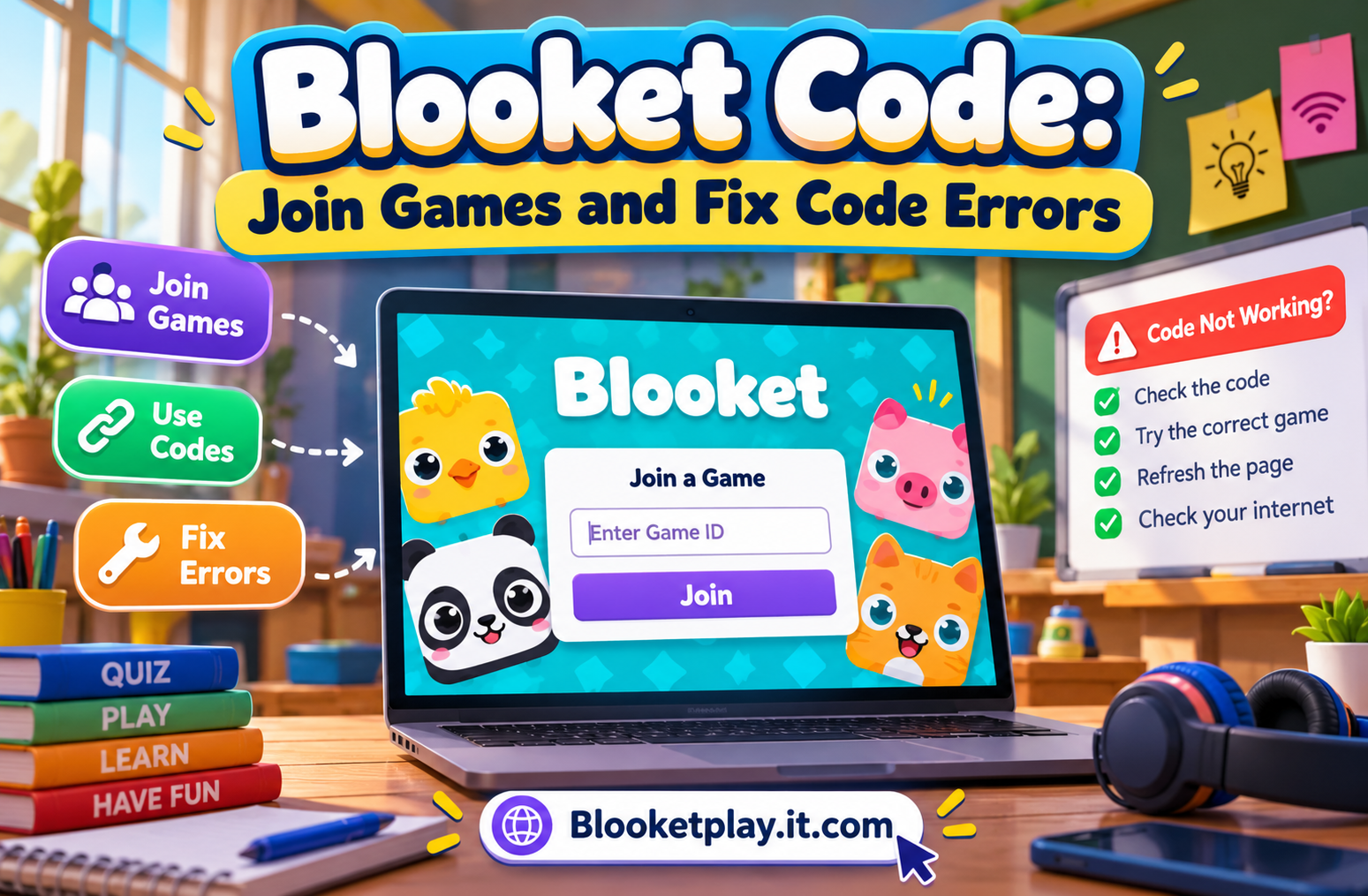
You enter a Blooket Code, but the game doesn’t open. Perhaps your teacher has already started the quiz, or the code you found online no longer works. Knowing how Blooket game codes work can help you join the right session without wasting time.
A Blooket Code is a Game ID generated when a host sets up a live game. Players can join by visiting play.blooket.com, entering the code, and following the instructions. Blooket also supports joining through a shared link or QR code, so typing the code isn’t always necessary.
How Does a Blooket Code Work?
Blooket uses game codes to connect players to a hosted activity. A teacher selects a question set, chooses a game mode, and starts the hosting process. Blooket then provides joining details that students can use to enter the session.
The code belongs to a particular game session. It isn’t a permanent password for a question set, and finding a code online doesn’t mean the corresponding game is still available.
For example, a teacher might prepare a vocabulary quiz for an English class. Students receive the Game ID from the teacher, enter it on the official play page, and select their nicknames. They then wait for the host to start the activity.
This setup lets a class answer questions together while playing a game selected by the teacher.
How to Use a Blooket Code to Join a Game
Joining a game usually takes only a few steps when you have the correct code.
1. Open the Official Blooket Play Page
Visit play.blooket.com in your browser. You can use a computer, tablet or phone with an internet connection.
2. Enter the Game ID
Ask the host for the current code and type it into the Game ID field. Check the digits before continuing because a small typing mistake can prevent you from joining.
3. Enter Your Nickname
Follow the on-screen instructions to choose a nickname or use a randomly generated name. If you’re playing in a classroom, use a name your teacher can recognize.
4. Choose a Blook and Wait
If character selection is available, choose a Blook. You’ll then wait for the host to begin the session.
These steps follow Blooket’s official student joining instructions.
Where Can You Get a Working Blooket Code?
The most reliable way to get a working Blooket Code is to receive it directly from the host. Teachers may display it on a classroom screen, share it through a learning platform, or send a joining link to students.
Friends can also share codes when they are hosting a game.
Be cautious with websites that publish collections of supposedly active codes. A code may be outdated, or the host may have already ended the session. Blooket’s official instructions explain how to join games, but they don’t guarantee that third-party code lists will work.
If you want to play with friends, ask someone to host a game and send you the joining details.
Can You Join Blooket Without Typing a Code?
Yes. Blooket provides other ways to enter a hosted game.
- Join link: Open the link shared by the host.
- QR code: Scan the QR code displayed by the host.
- Game ID: Enter the code manually on the official play page.
The link and QR code options can reduce typing mistakes, especially when a large class is joining at the same time.
You don’t need a Blooket account to join a standard live game. An account is useful for features such as saving stats and accessing additional activities, but the official student guide confirms that joining a live game doesn’t require one.
Why Is Your Blooket Code Not Working?
An invalid code doesn’t always mean something is wrong with your device. The code might be incorrect, the session may no longer be available, or your browser may be having connection problems.
Start by asking the host to confirm the Game ID and check that the game is still running.
If the code is correct, refresh the joining page and try again. You can also check your internet connection or open Blooket in another browser.
Blooket’s official troubleshooting guidance identifies browser extensions and network restrictions as possible causes of problems when joining or hosting game.
If the problem affects several students on the same school network, ask the school’s technical support team for help rather than trying to bypass its security settings.
How Teachers Generate a Blooket Code
Teachers create a code by hosting a game from a question set. The process starts with choosing the questions and selecting a game mode.
After signing in, a teacher can open a set from the Discover section or their saved sets, select Host, choose an available mode, adjust the settings, and select Host Now. Blooket then provides the joining details for students.
Teachers can share the code directly or use the available QR code and join link. Once students have entered the session, the host can start the game.
The exact options depend on the game mode and hosting settings. A teacher should check the current Blooket interface for the options available to their account.
Blooket Code vs. Homework Link
A live game code and a homework link are designed for different activities.
A live game code connects you to a hosted session where the teacher controls when the activity starts. A homework link opens an assigned activity that students can complete according to the teacher’s instructions.
If your teacher assigns homework, use the specific link they provide. Searching for a random live code won’t give you access to that assignment.
Blooket supports both live games and independent activities, including homework.
Frequently Asked Questions
What is a Blooket Code?
A Blooket Code is a Game ID used to enter a hosted game session. The host shares the code with players so they can join the correct activity.
Where do I enter a Blooket Code?
Open play.blooket.com and enter the Game ID supplied by the host. Follow the on-screen instructions to join.
Are free Blooket codes available online?
Some websites and communities may share invitations, but there is no guarantee that a published code is still active. Getting the code from the host is the most reliable option.
Can I play Blooket without an account?
Yes. Blooket allows students to join standard live games using a Game ID, QR code or shared link without creating an account.
What should I do if my code doesn’t work?
Check the digits and ask the host whether the session is still available. If the code is correct, refresh the page and check your browser and internet connection.
Final Thoughts
A Blooket Code connects you to a specific hosted game, making it easy to participate in classroom quizzes and other learning activities. The key is to use current joining details from the host instead of relying on random codes found online.
Visit the official Blooket play page, enter your code, and follow the instructions. If you can’t join, confirm that the session is still available before troubleshooting your device.
READ MORE: Blooketplay